📗 Introduction
Sparrow Sync keeps player progress together across Minecraft servers. Inventories, experience, advancements, and other player data follow the player, while saved snapshots give administrators a way to inspect or restore an earlier state.
What travels with the player
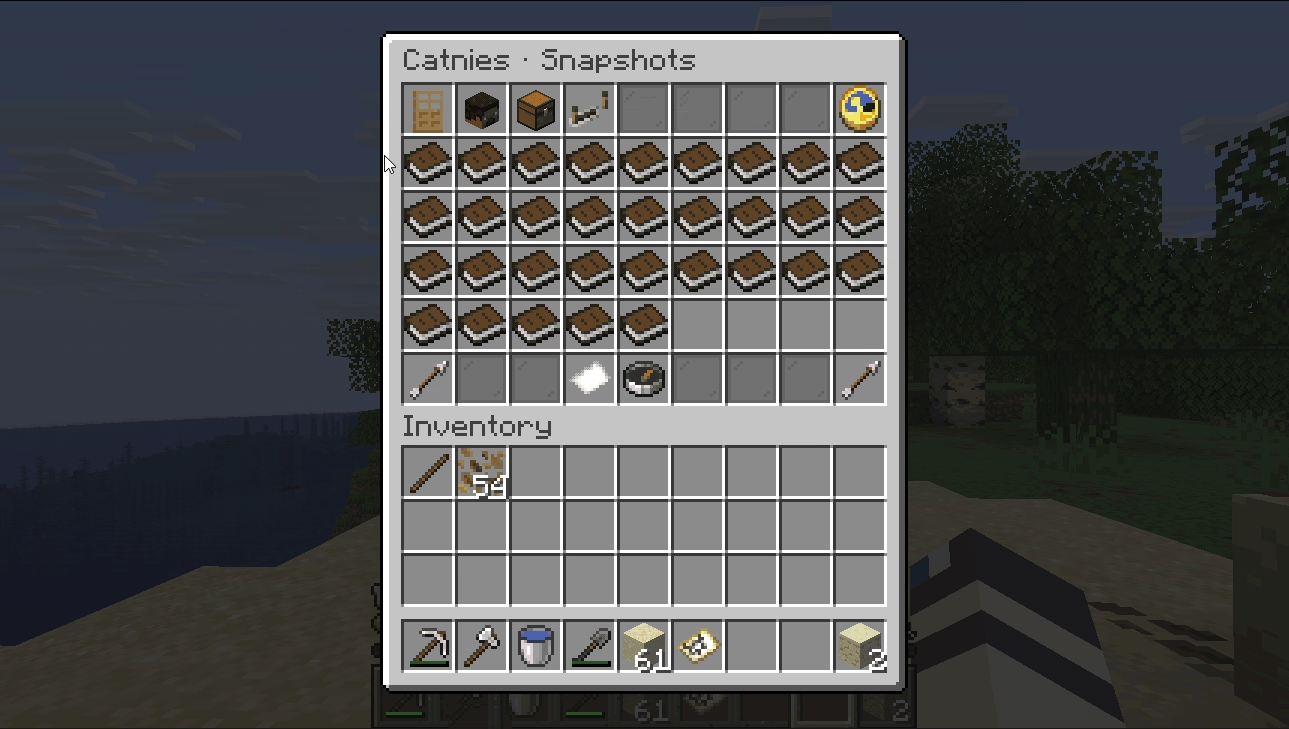
Choose which data types to share: inventories, ender chests, experience, health, hunger, potion effects, advancements, statistics, attributes, location, and more. Each type has its own configuration switch.
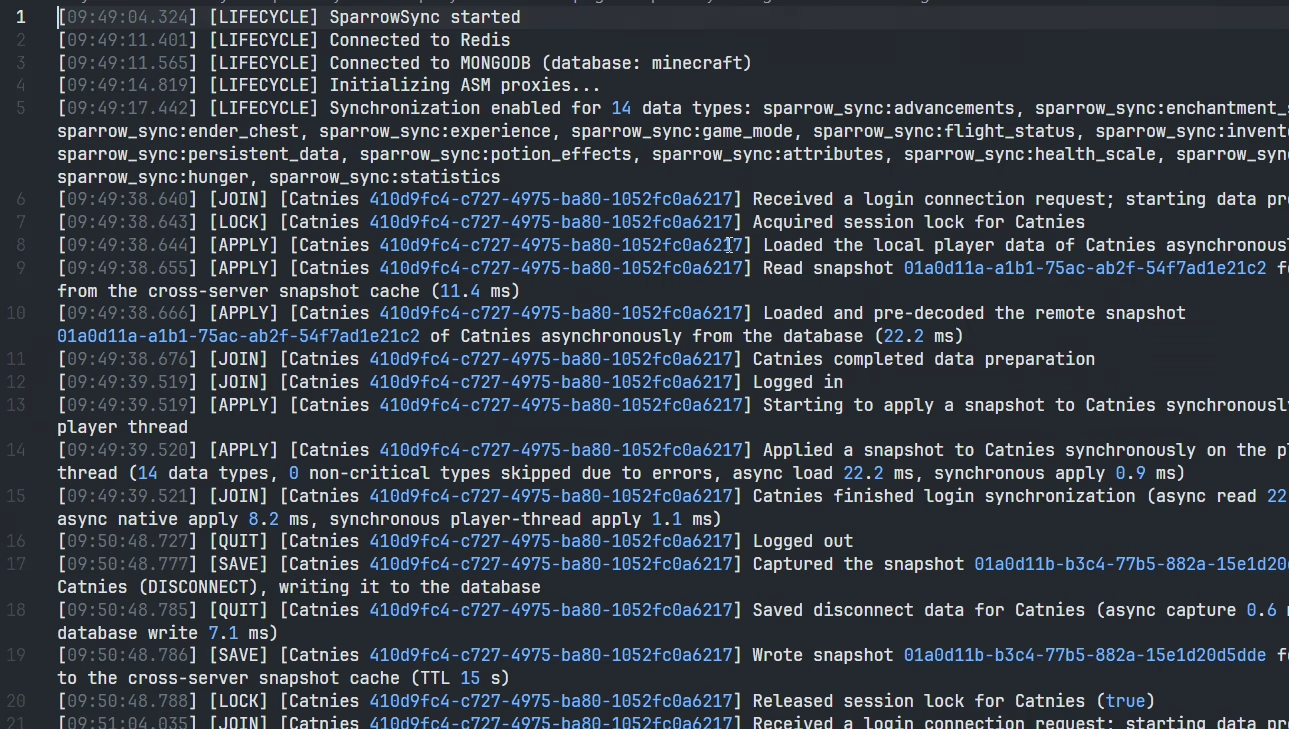
Most incoming data is prepared before the player joins, so they do not have to wait through a freeze after appearing in the world.
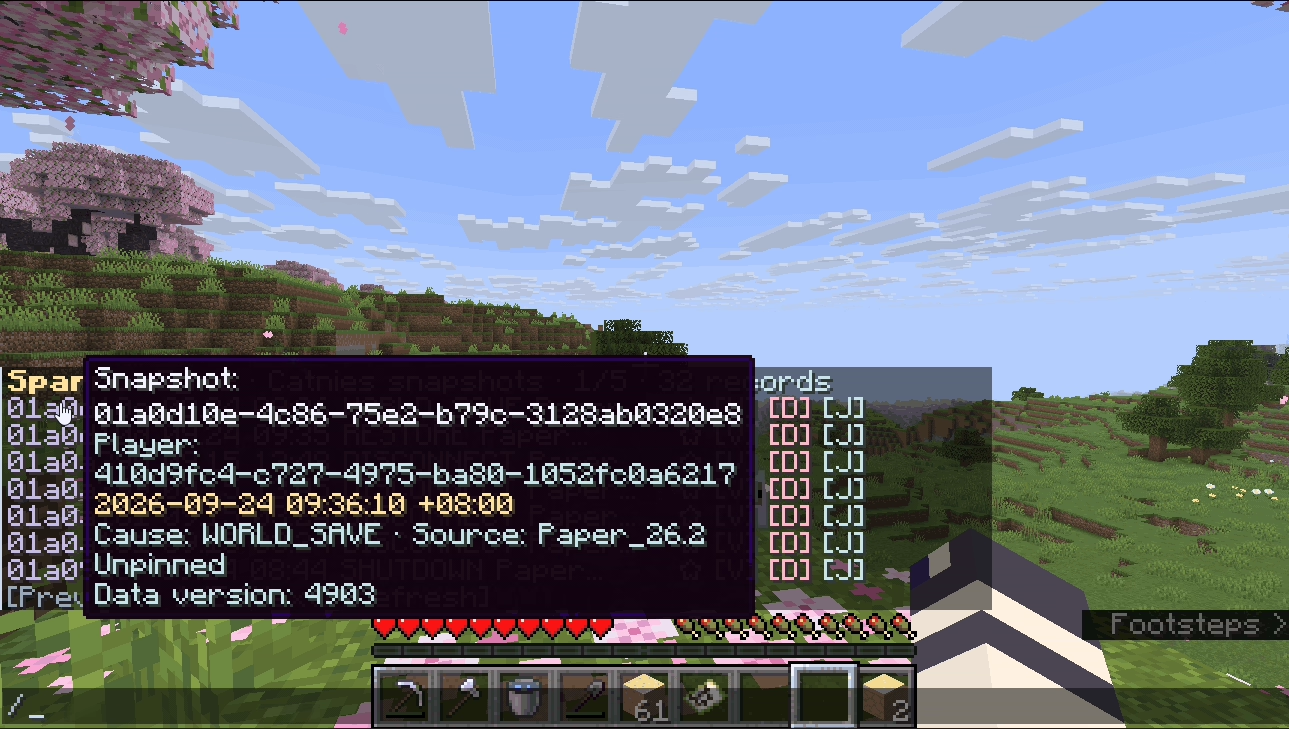
Player data is stored as snapshots. Browse what was saved, inspect the contents, and restore an earlier record when needed.
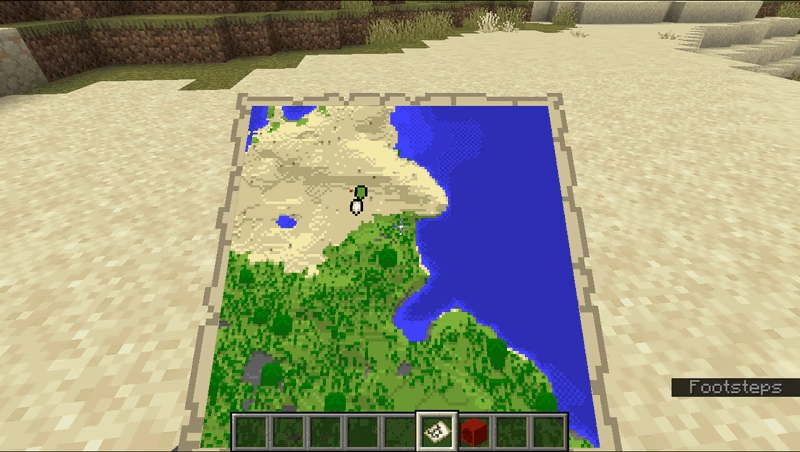
Map data can travel between servers too, with configurable synchronization modes and interaction controls.
Sparrow Sync uses Redis to coordinate player sessions across servers. For persistent snapshots, choose MongoDB, MySQL, MariaDB, or PostgreSQL. Player state is captured on the appropriate server thread; encoding and storage happen asynchronously, and work for the same player stays in order.
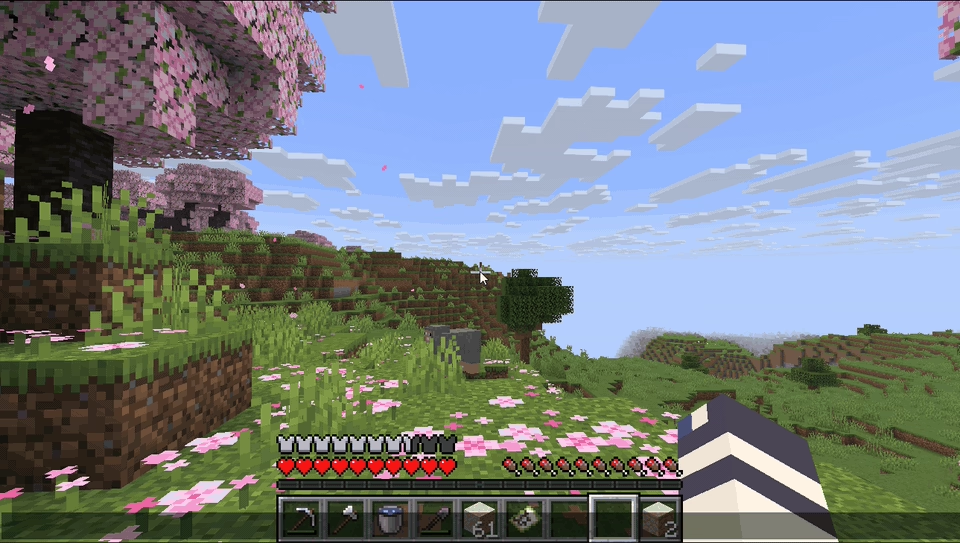
See it in action
Click an animation to see the details.
Tools for administrators
Snapshots use Sparrow NBT and can be stored with Zstd or Deflate compression, or without compression. If something goes wrong, local exception archives and snapshot import, export, and bulk archive commands help you inspect and manage the data. You can also migrate existing data from HuskSync or InvSync with a command. See the command reference for the available tools.